Magitask
project overview
project type
UI design
year
2025
my role
UI designer
client
Passion project
Magitask
App concept design
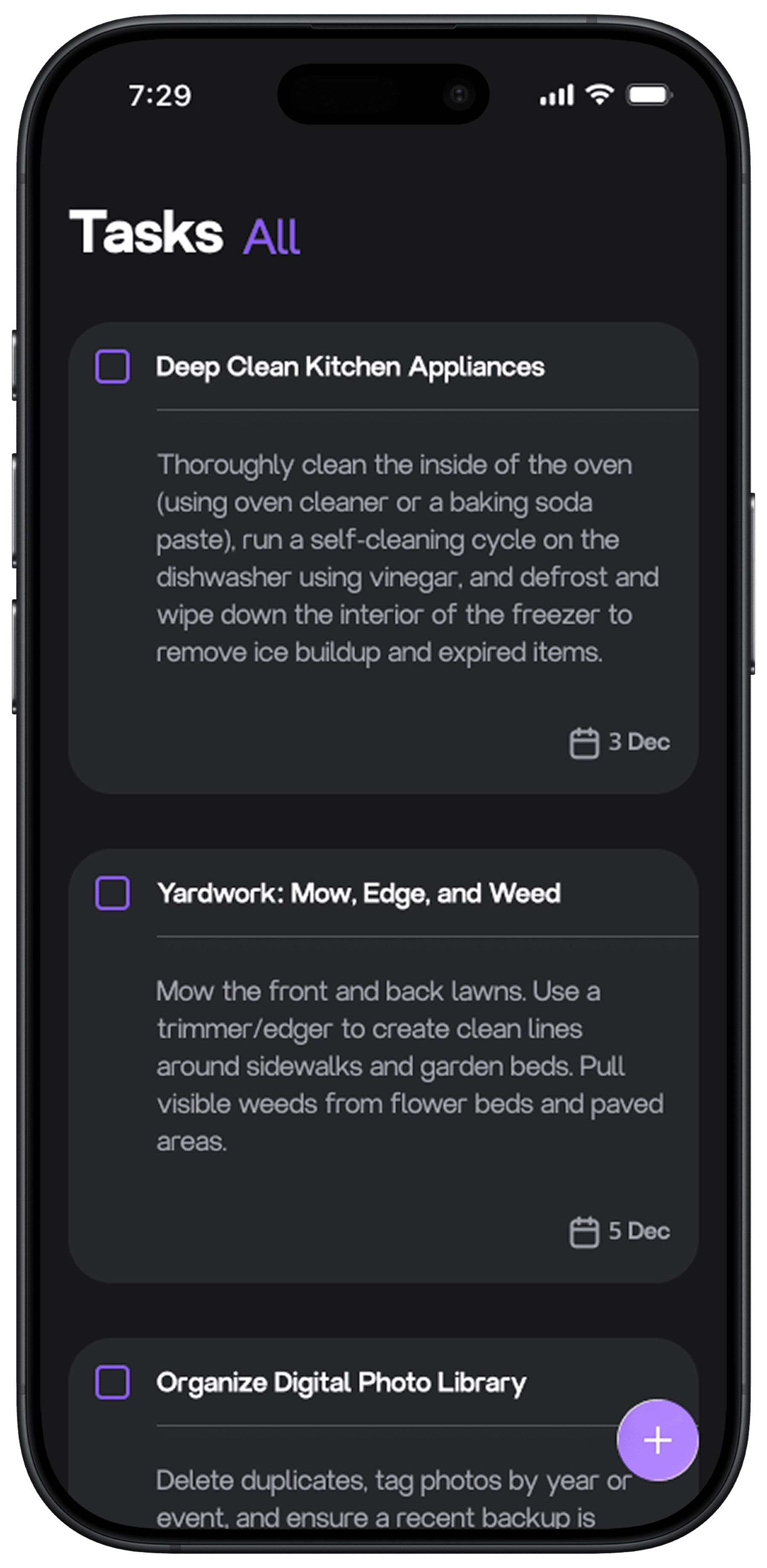
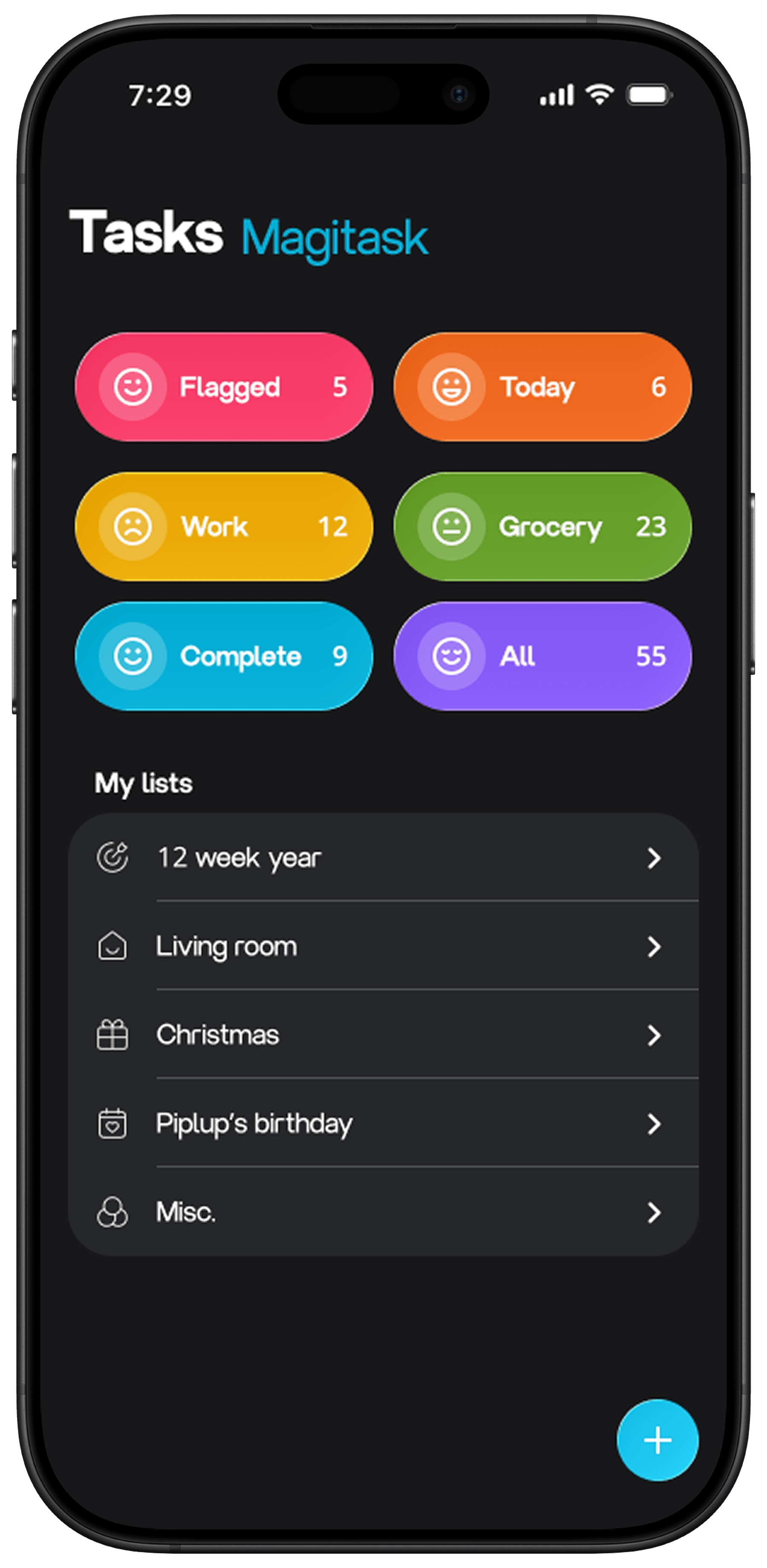
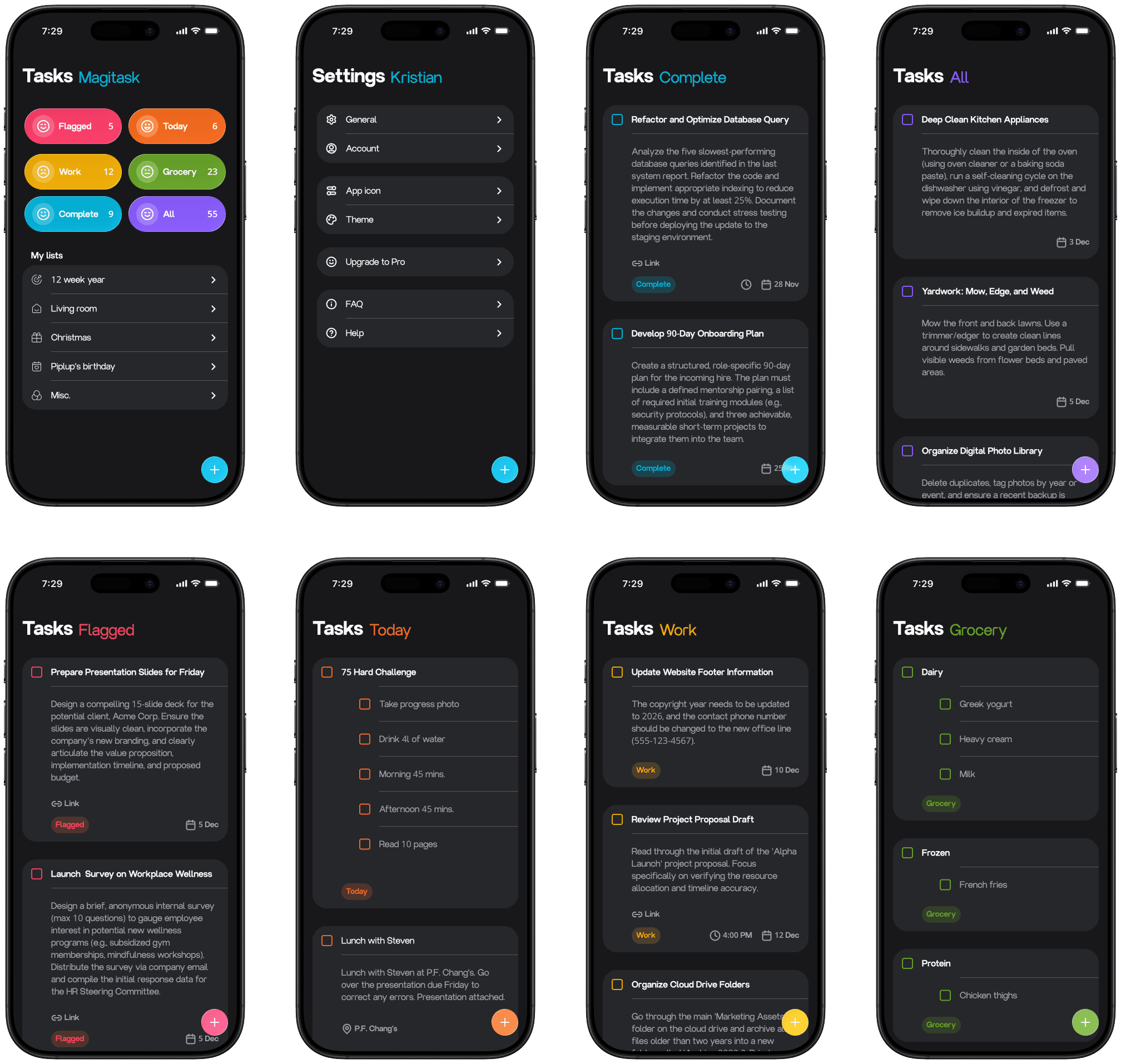
Magitask is a concept design pitching a new task management mobile application. This is a passion project of mine as I am personally a connoisseur of task management applications. The purpose of Magitask is to make keeping up with tasks a more user-friendly habit.

Roles
What I did
Qualitative/ quantitative research, user interviews, personas, information architecture, wireframing, interface design, prototyping, usability testing, design systems.


Prototyping
How I brought the app to life
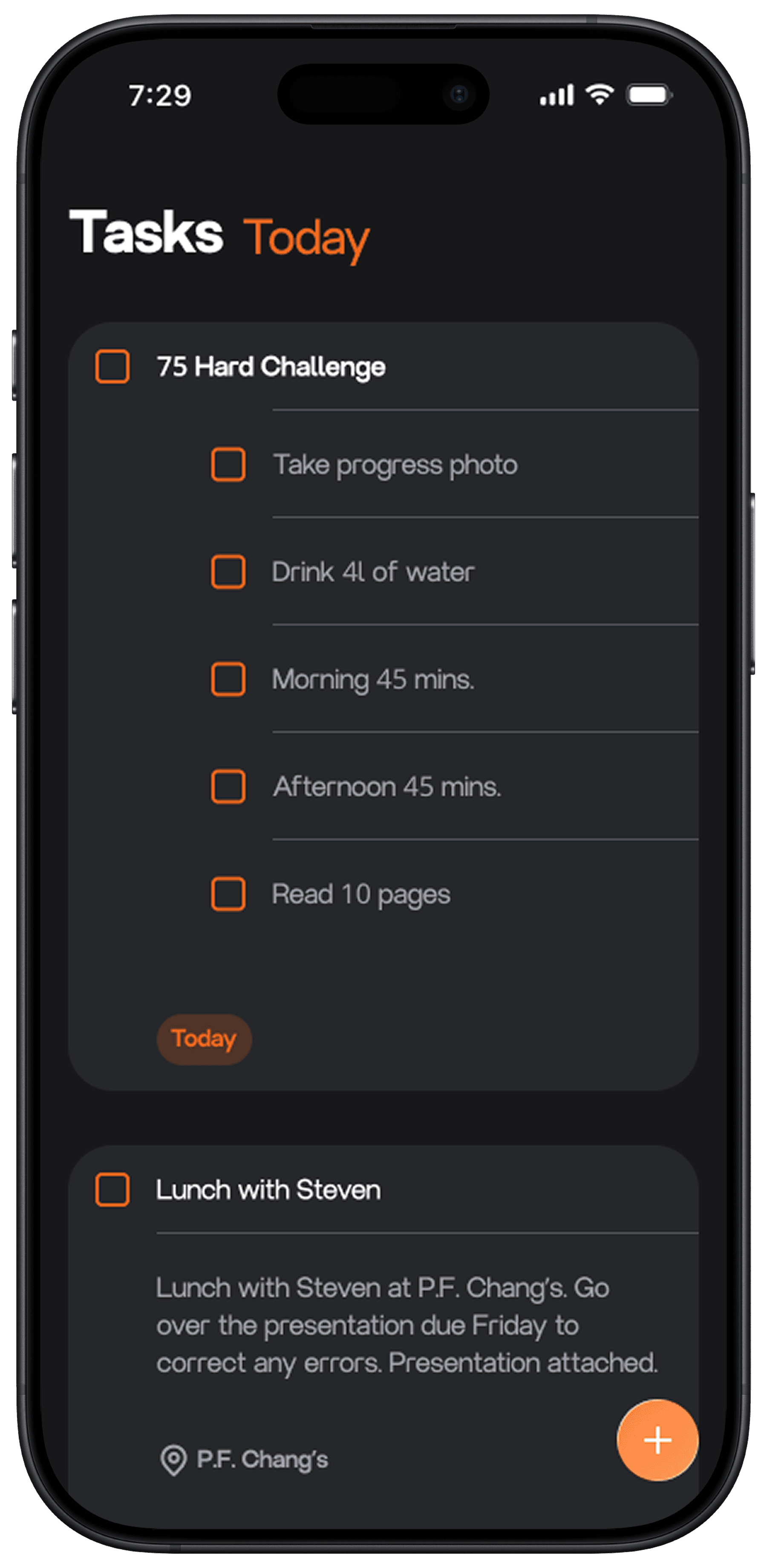
Situation: The challenge faced during the prototyping phase was Figma lacking features such as text input fields and mobile keyboards.
Task: I had to prototype the app to present a product that can be tested and improved upon before sending it off to development.
Action: The prototype was made fully functional through learning an application I was previously unfamiliar with. The application is called "ProtoPie". Learning a new application while on a time crunch was challenging however, certainly possible.
Result: Pivoting and learning ProtoPie in order to deliver a polished prototype ultimately was the best decision. The final product appears professional and functions as intended.

Wireframes
Laying down the draft
Situation: Wireframing is a great way to layout a rough idea. The only inconvenience was the number of times I had to create more wireframes before reaching the final design/ layout.
Task: Create wireframes of the main pages within the app.
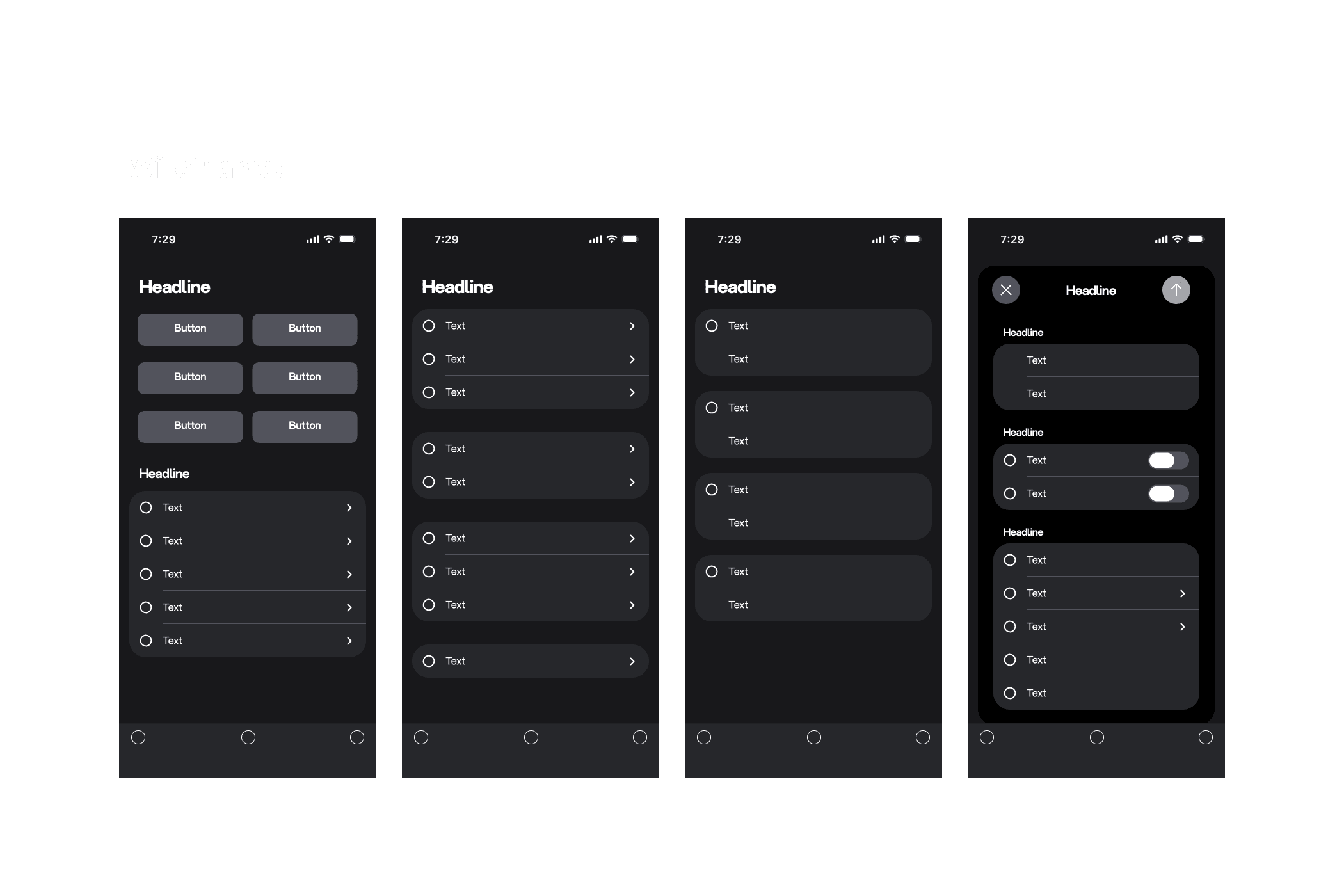
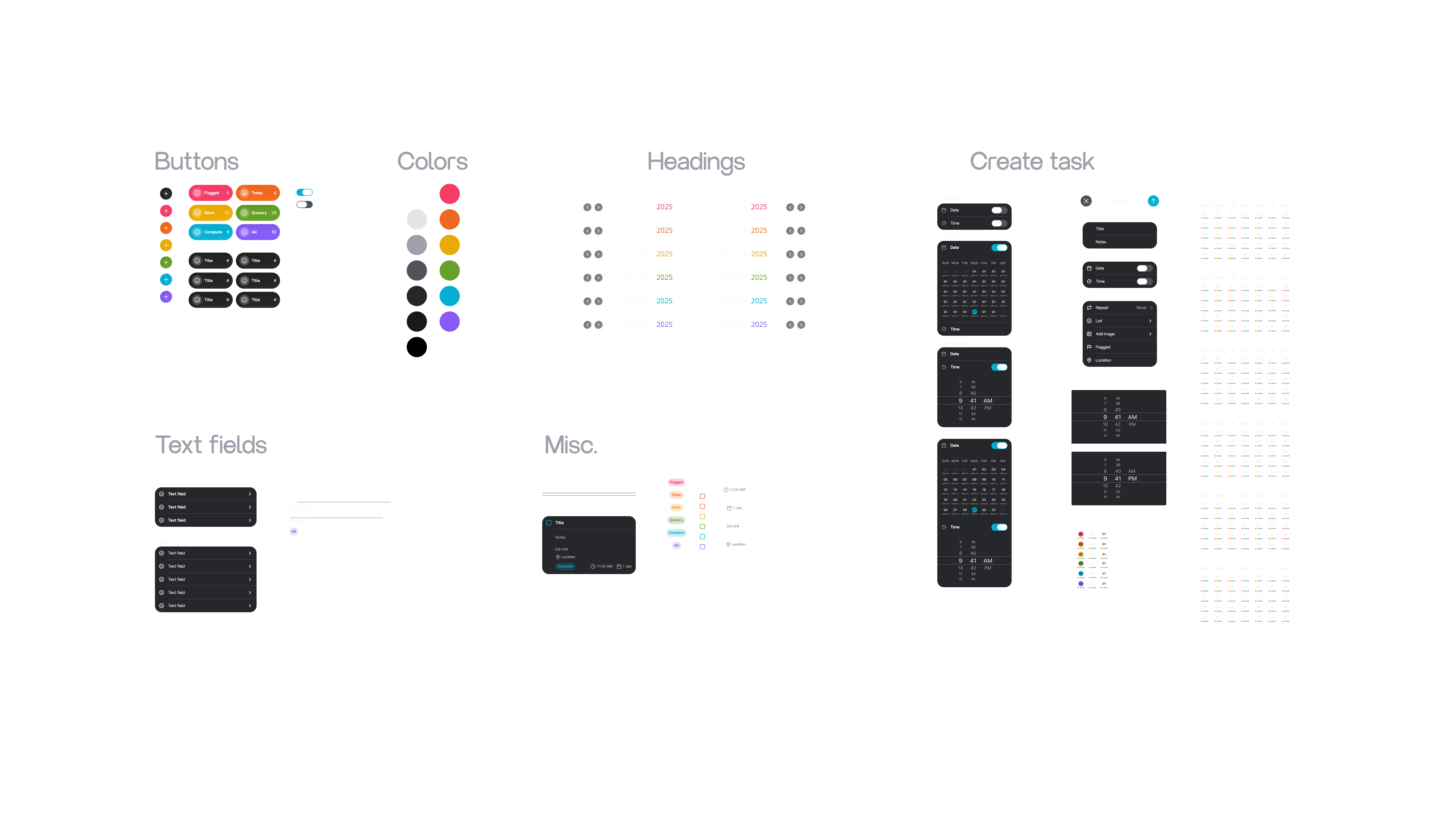
Action: To create wireframes I utilized components I had already created to swiftly generate general ideas for the UI design.
Result: Overall I believe the wireframes contain enough guidance to portray a strong rough draft.
User flow
Fluidity across the app
Situation: The challenges faced with the user flow initially were all of the various main pages. Magitask is designed to be intuitive, with far too many pages, it became overly complicated to complete the one task the app was designed for.
Task: Create an application that merges task management with simplicity.
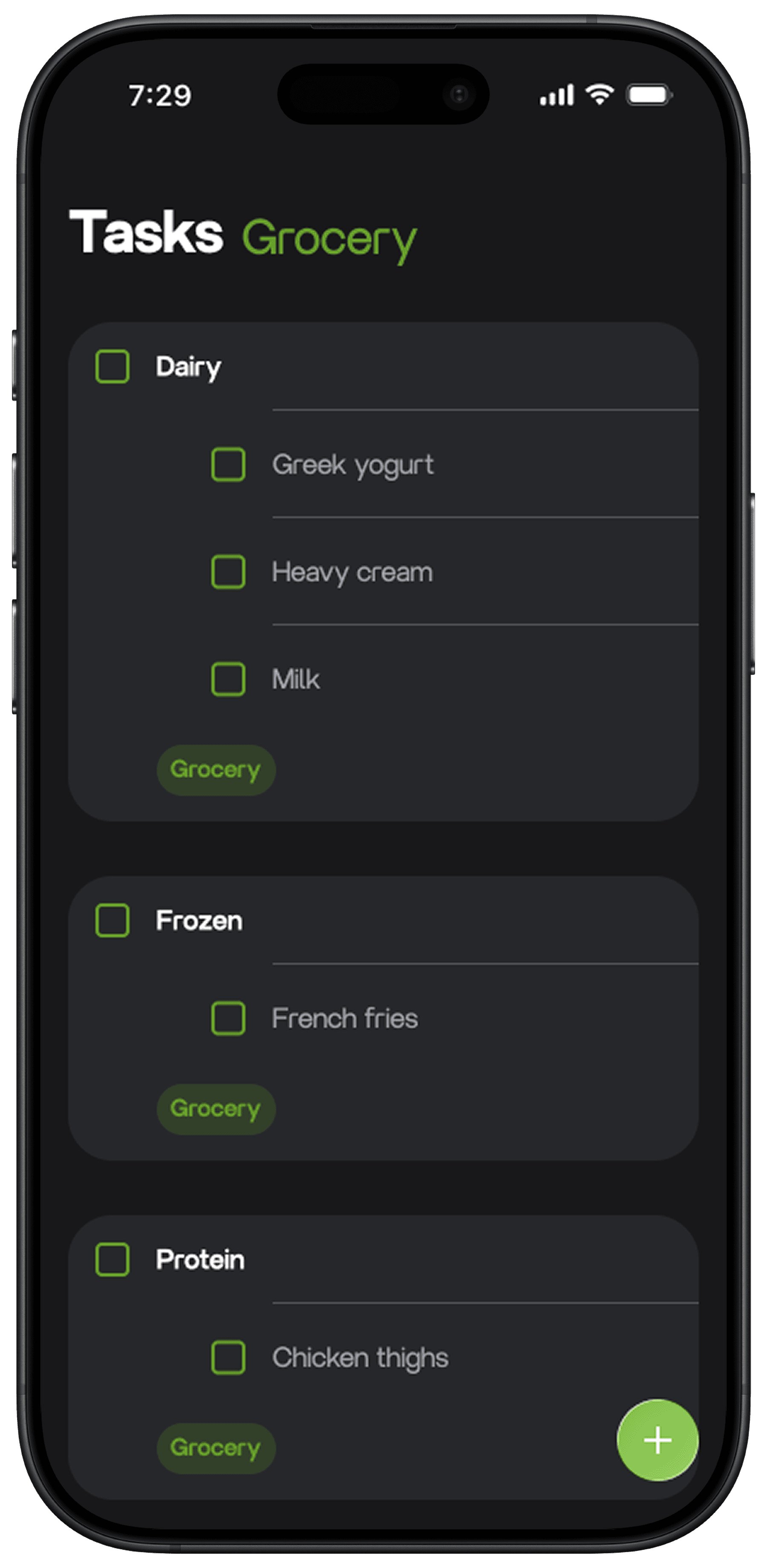
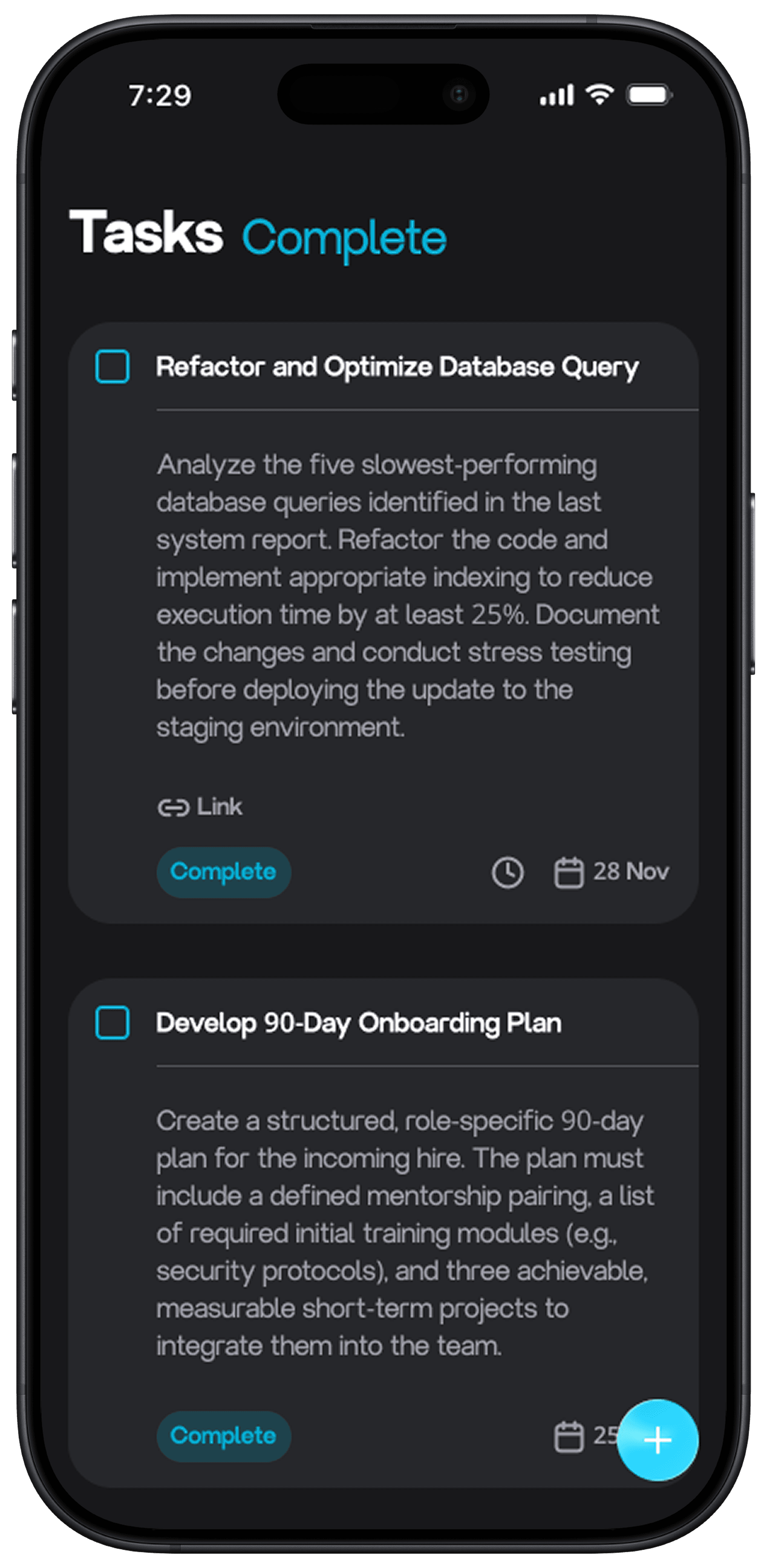
Action: To make the app more user-friendly I decided to reduce the app to having only one main screen. Furthermore, the one button along the footer is an action send the user to task creation window.
Result: Clearing the app of unnecessary pages and buttons has resulted in a far more seamless user flow.
UX research
Competitive research
Situation: Conducting research for an application that does not exist nor have any users I found to be the most challenging part along this journey. Conducting proper research without an existing product was limiting.
Task: I was tasked with researching competitors in the marketplace to find the essential features needed for the everyday user managing tasks.
Action: To conduct research, I analyzed the top competitors in the field to find what it is that makes these apps so great and what it is that users do not enjoy. This was completed through researching the reviews on the App Store and Reddit.
Result: The final outcome led to a simple yet effective UI design. Does it have hundreds of features and components? No. Magitask is designed to be user-friendly to a wide audience, not the task management super human.
Reflections
What I would do next time
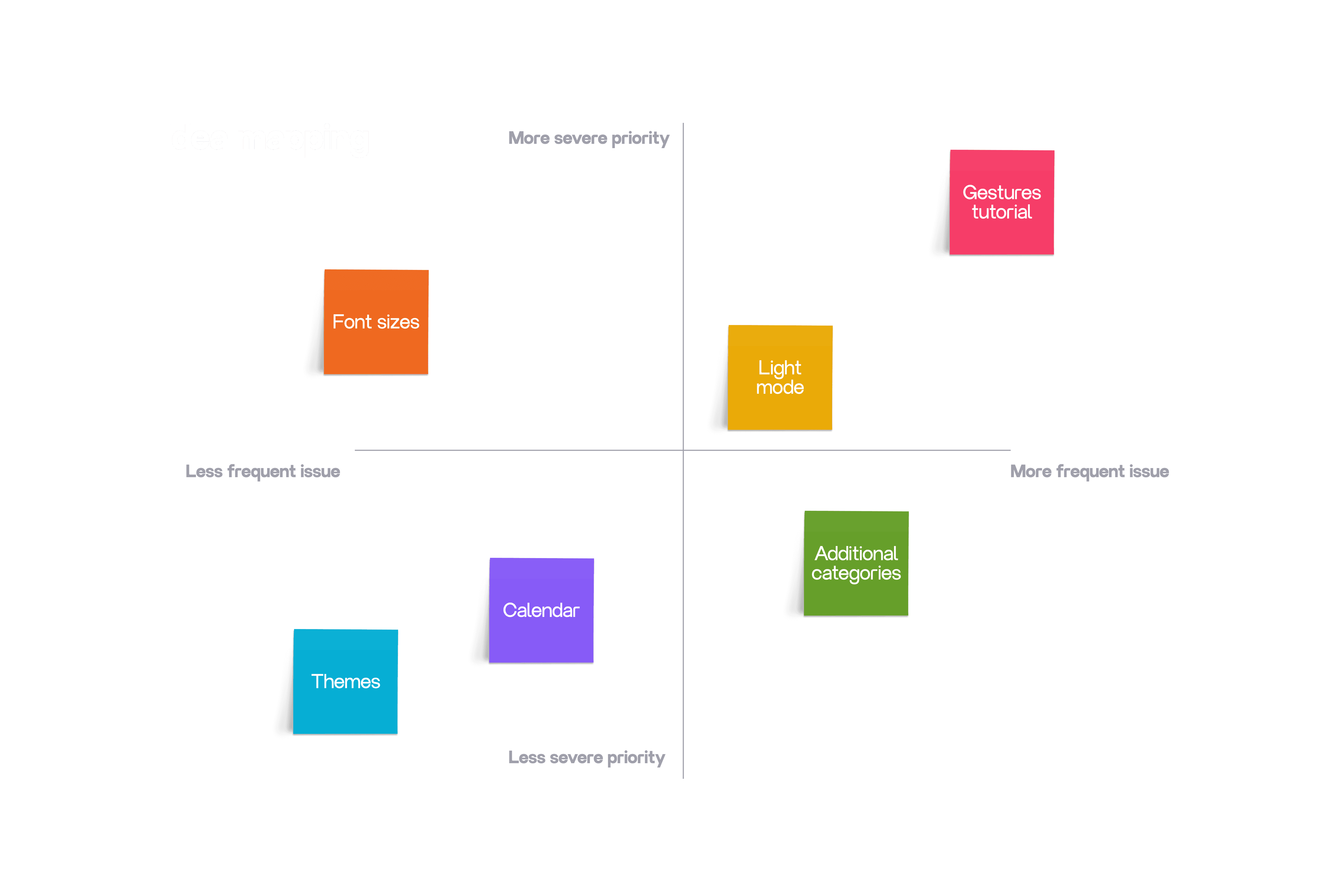
If I were to have more time available to continue working on the app there are a handful of features I'd like to incorporate. Usability is the primary focus of the app so features such as text size, themes, etc. would allow the app to appeal to a wider range of users. Aesthetically, some components were inspired by ios 26. With that said, creating a version that follows along the Android design guidelines in the future is also of interest to me.
Lastly, with more available time I would like to create a tablet version, as well as a watchos variant.
This project is heavily UI design focused, for more UX work please have a look at the rest of my portfolio work.